ByteDance
Optimizing AI prompt guidance for an AI-native research tool
Prompt guidance and AI composer for user researchers.
As the sole UX designer on ByteDance's internal AI user research tool, I shipped the end-to-end redesign of the AI prompt-input guidance, improving its overall usability for 40K+ users.
6 weeks
Summer 2024
Shipped
1 product manager
1 UX designer (me)
2 software engineers
Figma
ProtoPie
Interaction design
Visual design
Design systems
Rapid prototyping
Usability testing
QA
37%
design updates
26%
core product flows
7%
Meta-owned apps
40K+
users daily
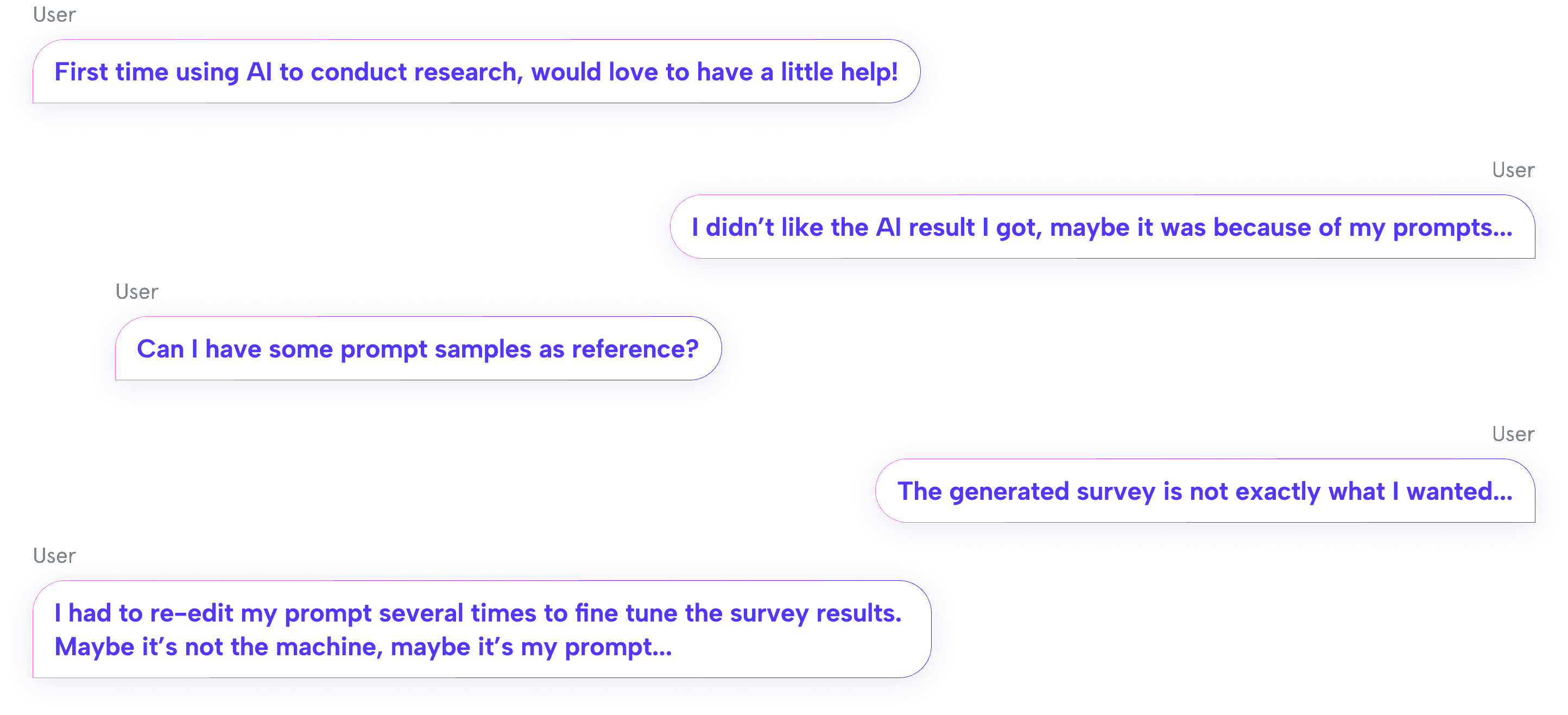
Most AI users struggle to write an effective prompt in natural languages.
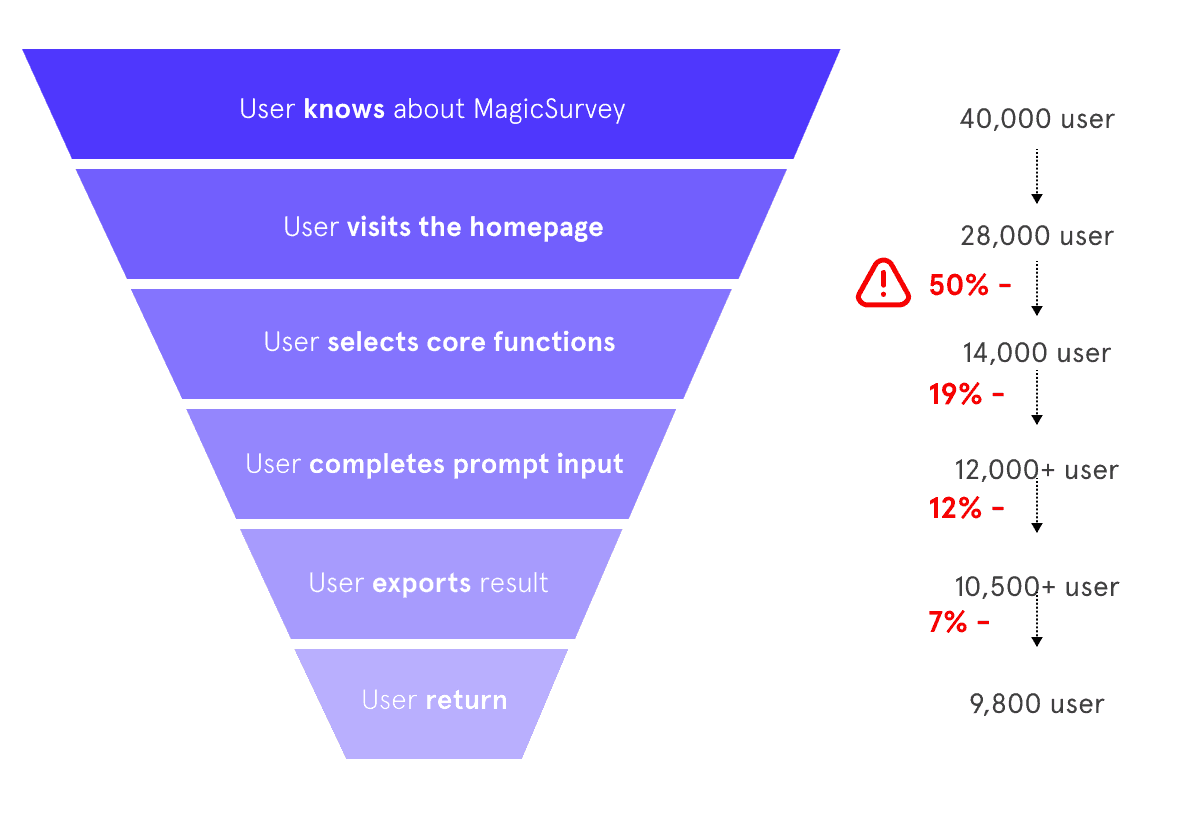
MagicSurvey's H1 2023 data shows that more than 50% of the users dropped off after or during the prompt input step, with low task completion rate.
Users are not satisfied with the generated content, with more than 63% of it not exported, leading to a low task success rate.
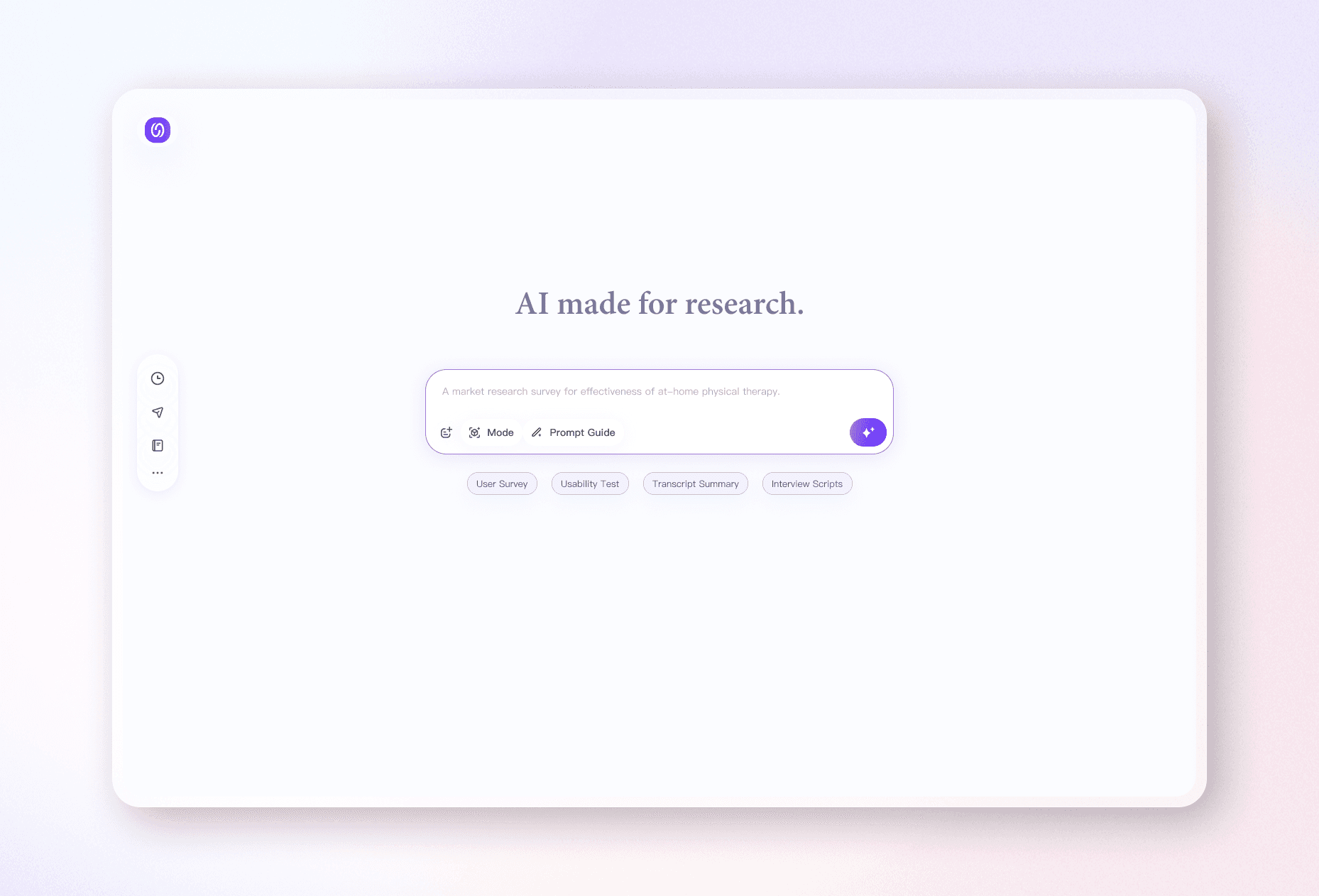
Give users a more intuitive AI prompt input experience with optional template, structured inline guidance and option for prompt re-edit.
Through a complete revamp of the homepage, I redesigned the AI prompt user flow and visual system with a focus on clear, simple, and intuitive flow.
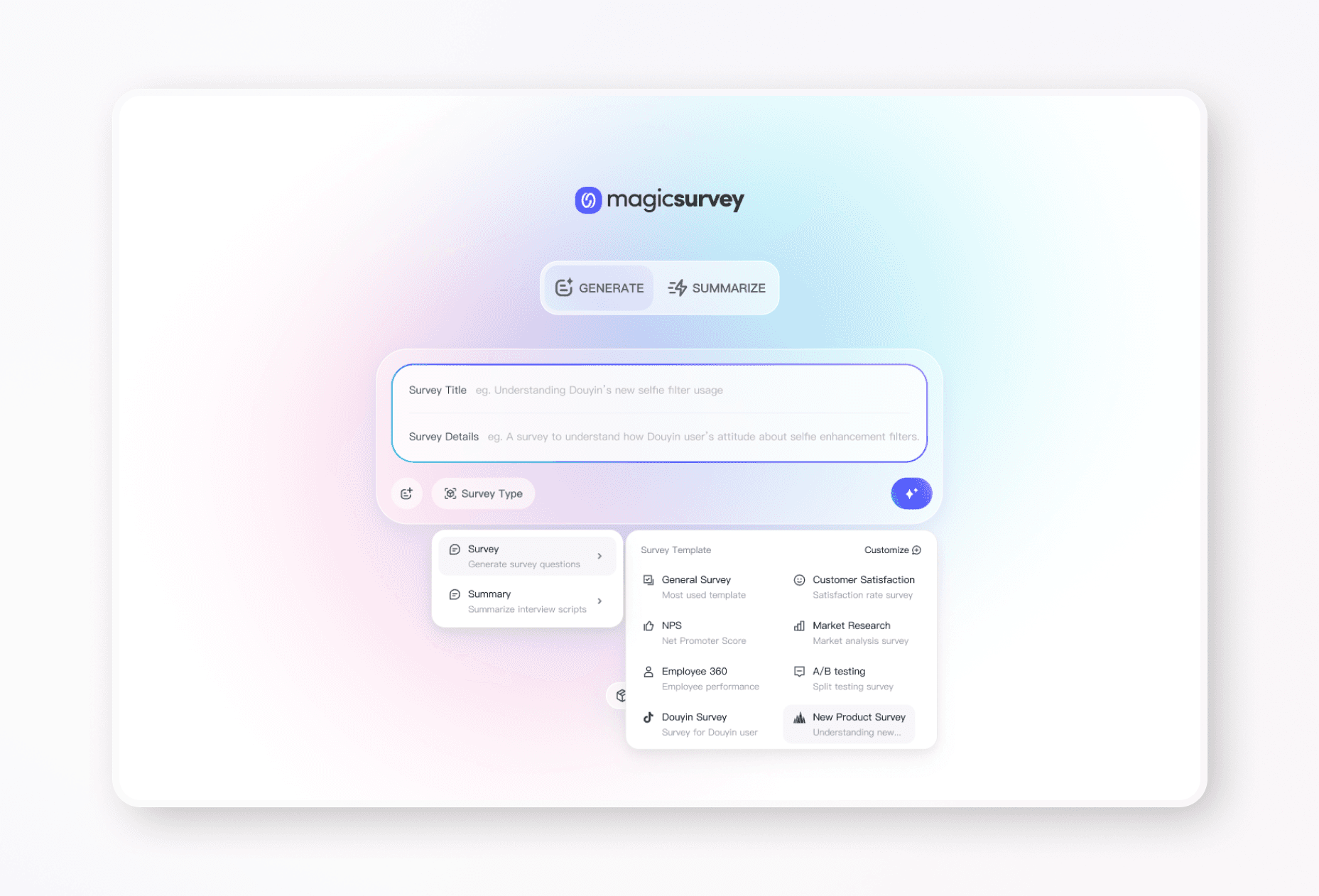
Before
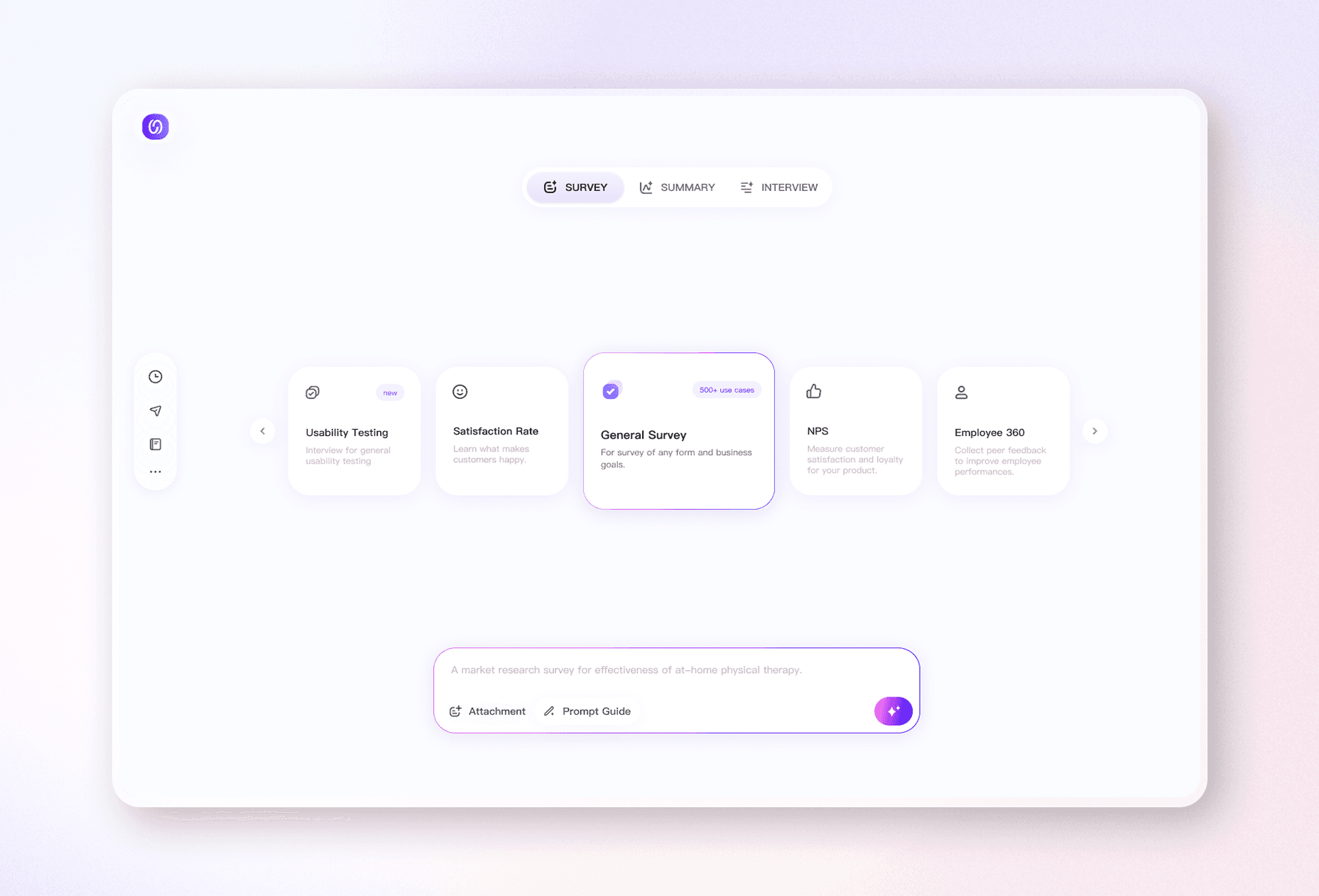
After
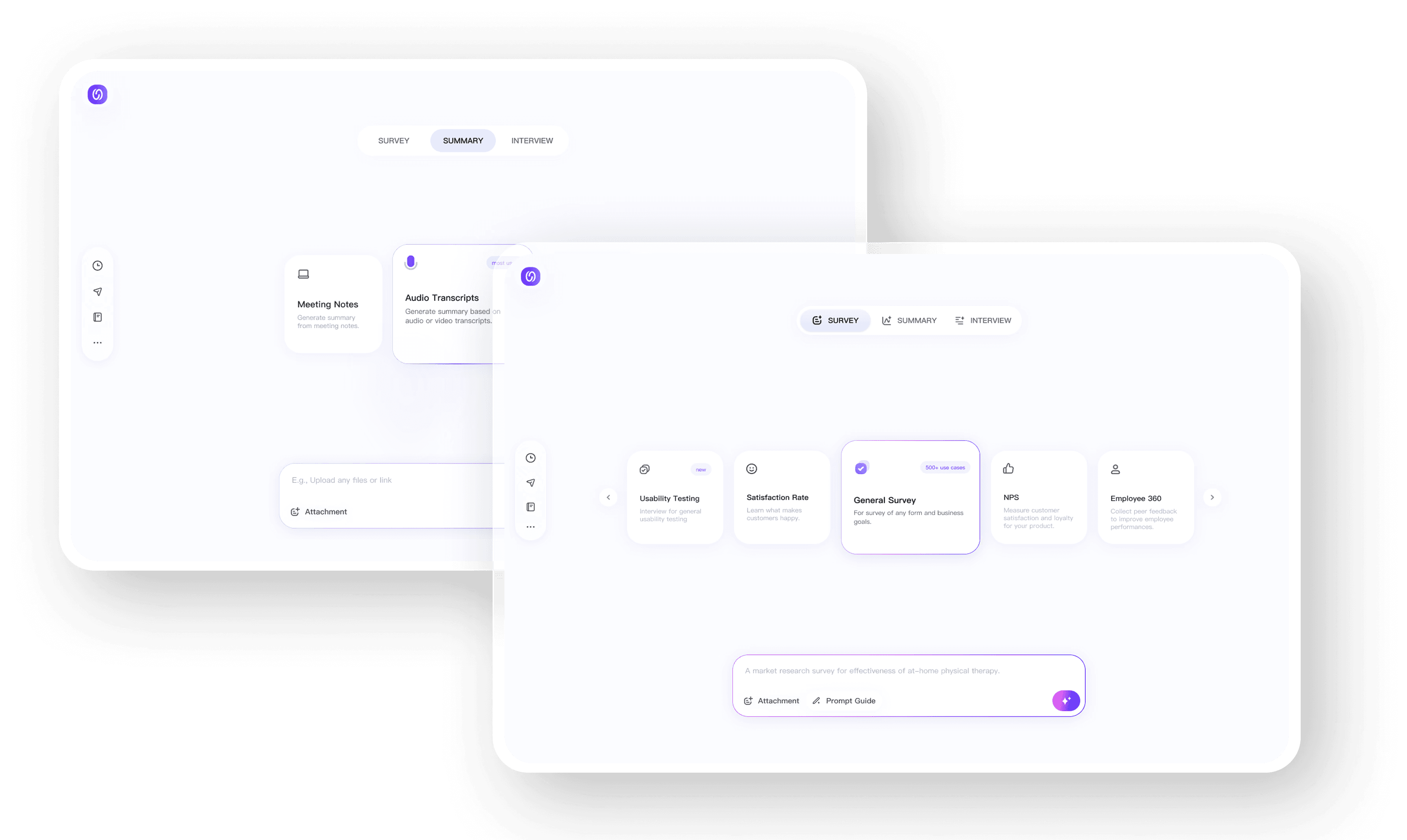
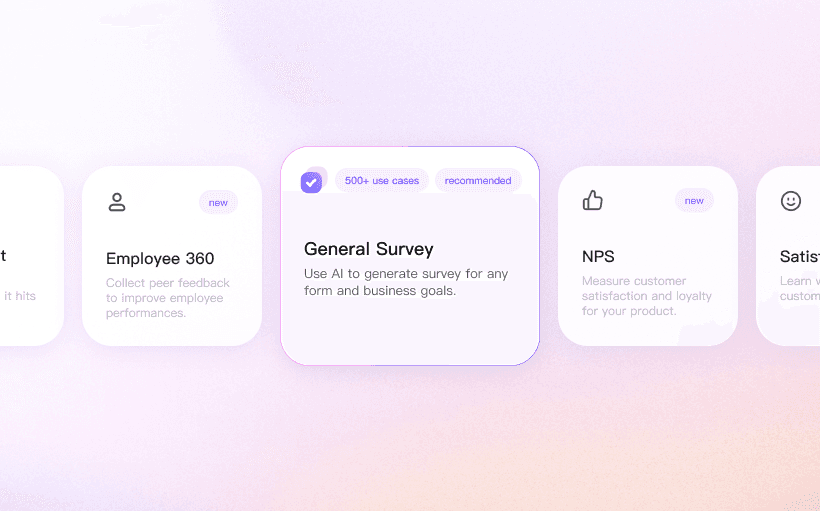
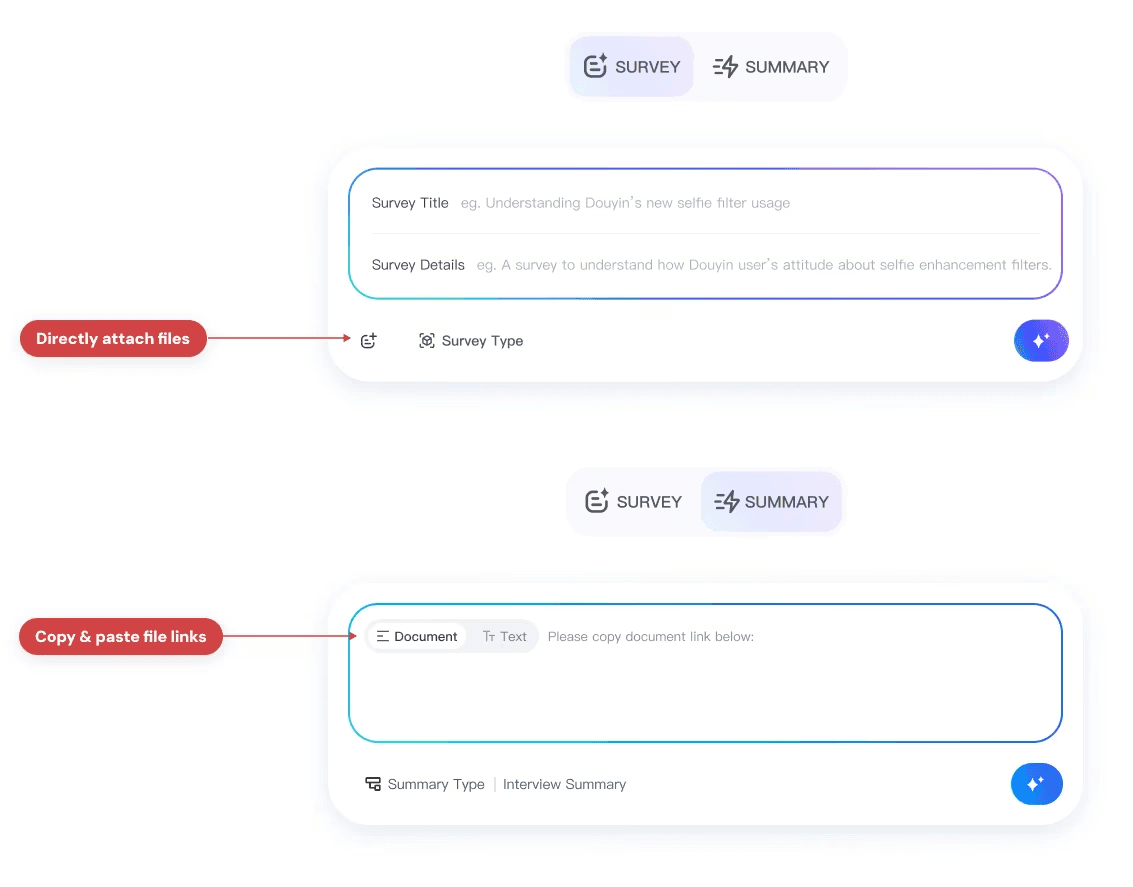
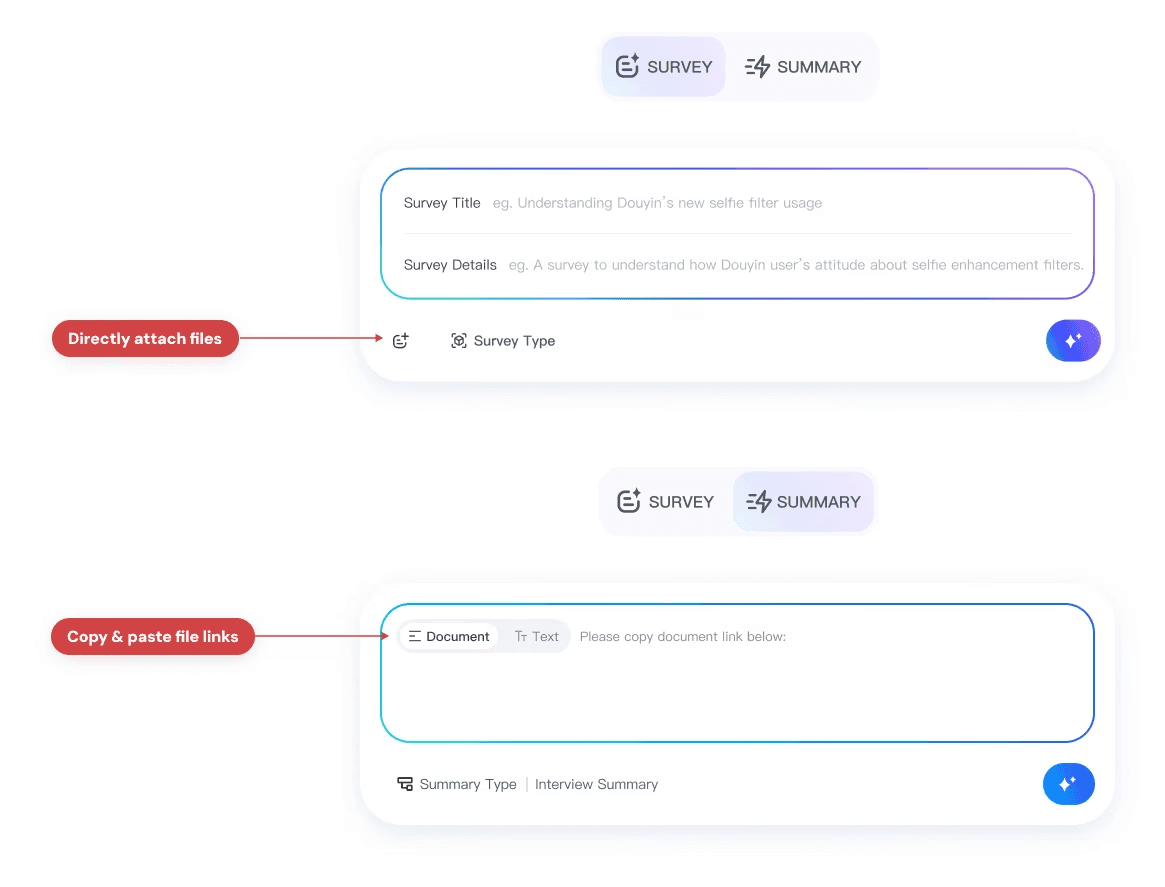
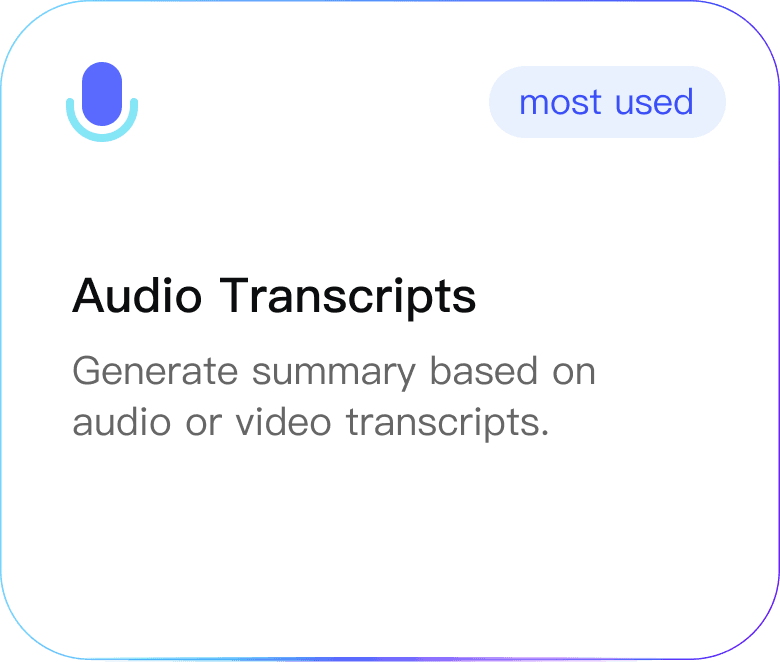
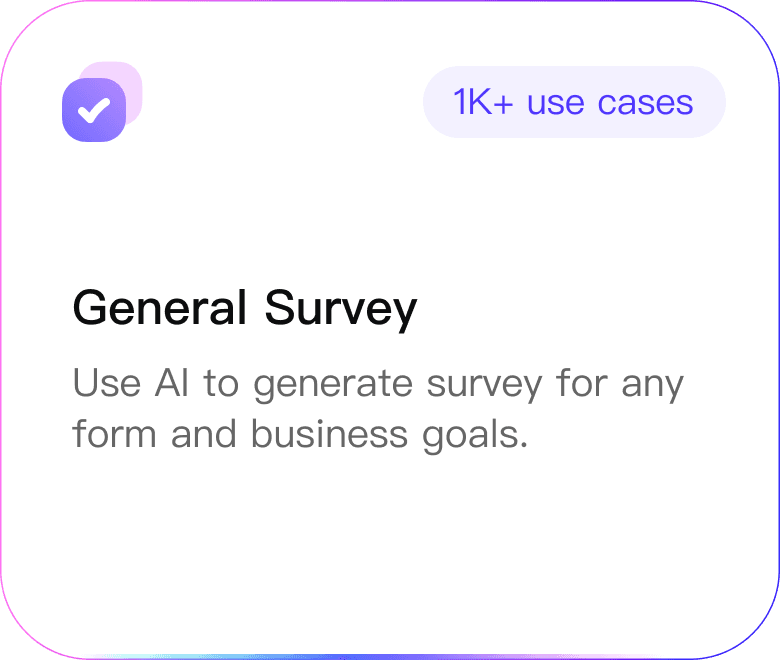
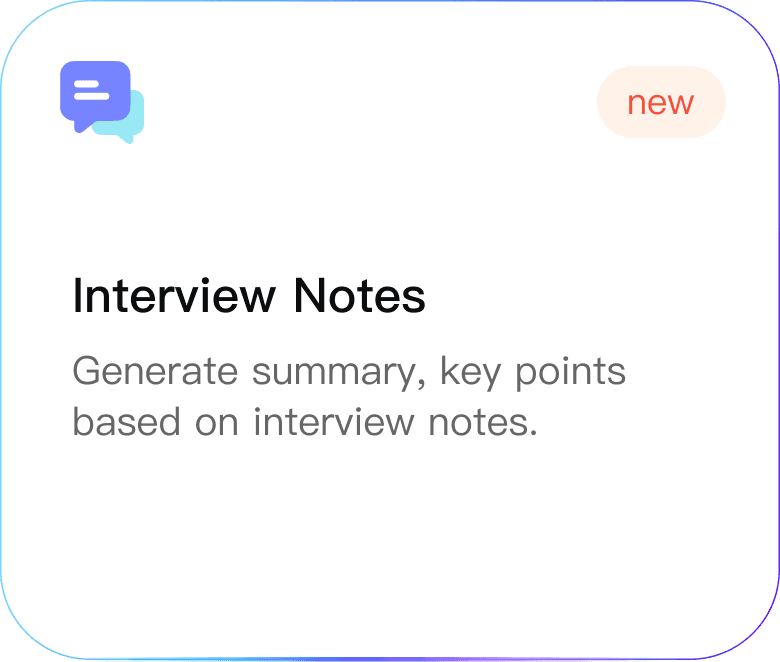
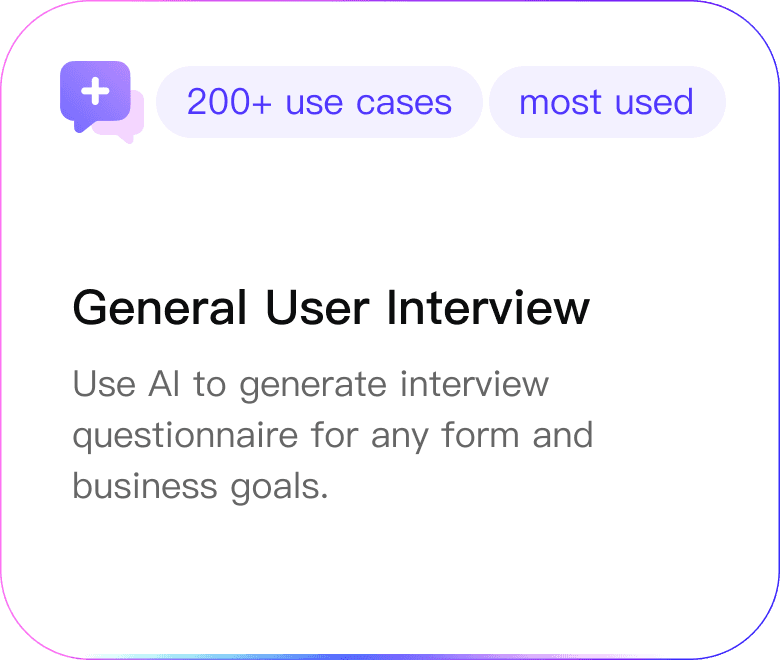
Provide users with options to use template AI prompt cards with more contextual information.
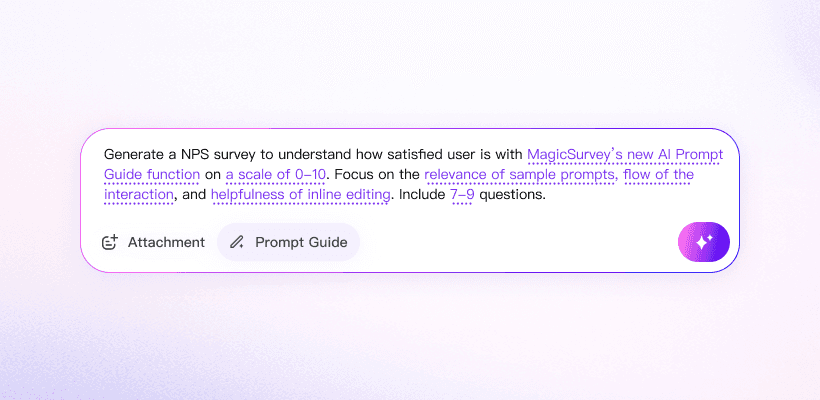
Consolidate an extensive AI prompt input library, showing examples based on user's preferred use case.
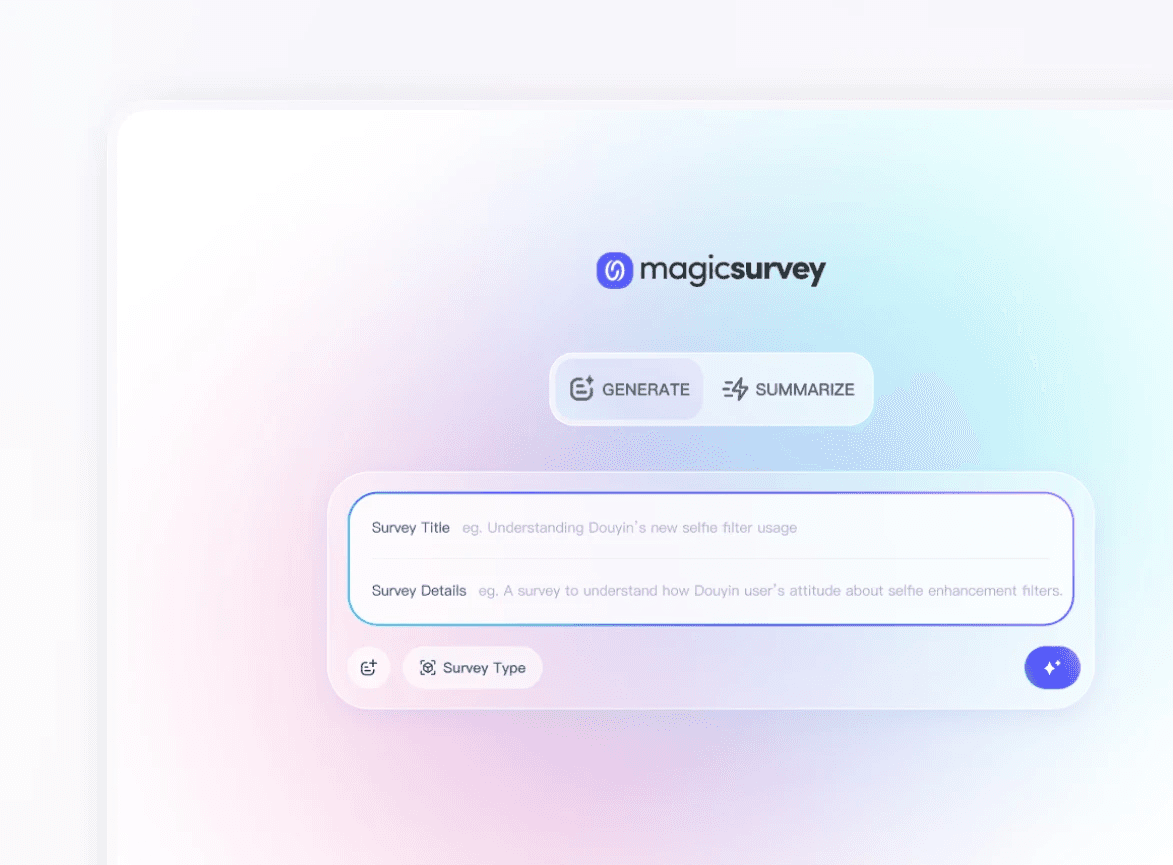
Use visual and color guidance to differentiate multiple AI agent modes, while keeping high-level consistency.
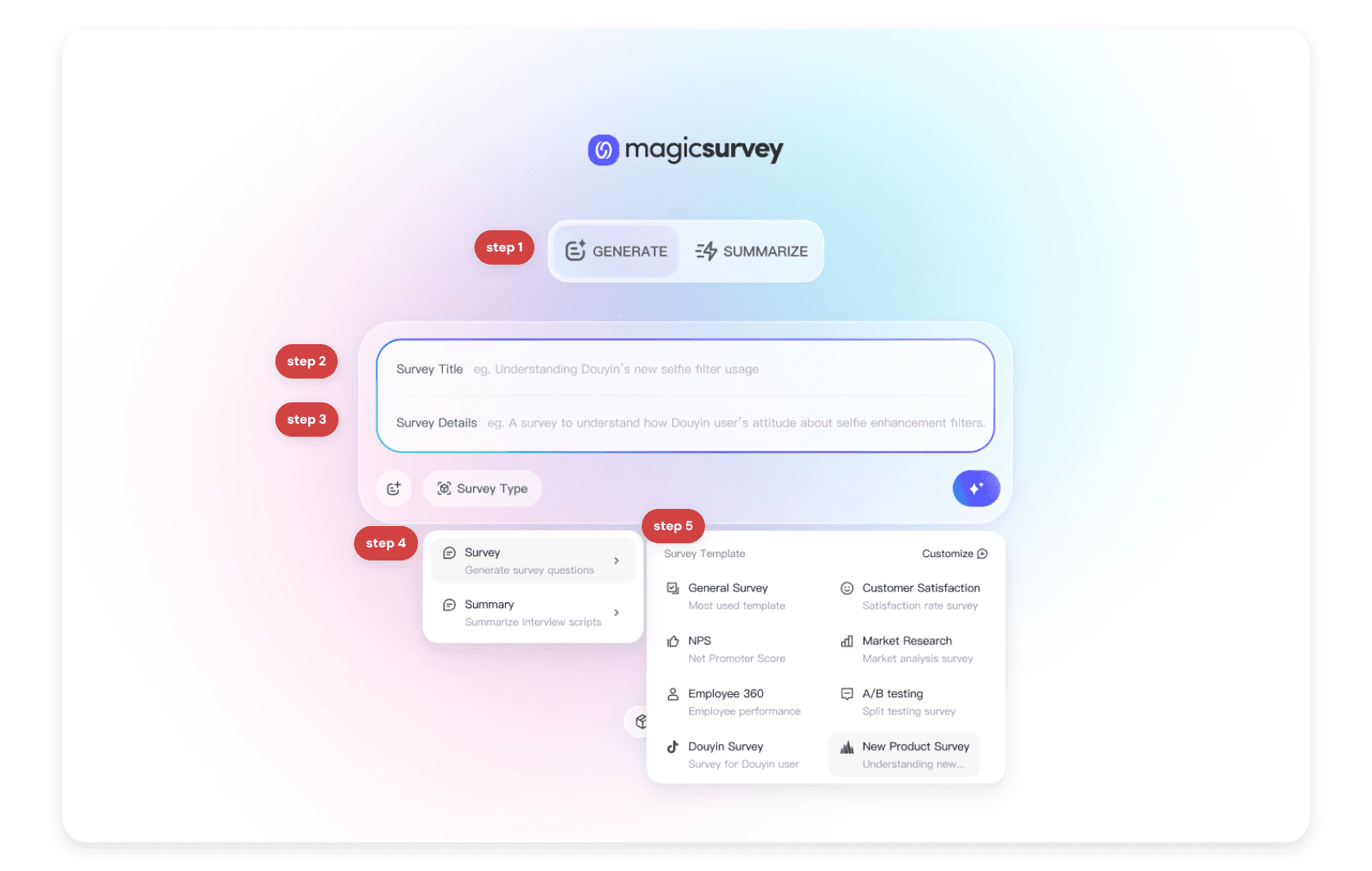
The current homepage's over-complicated multi-step input guidance creates more friction than assistance.
Complicated task completion process with low discoverability for the more useful buttons.
Inconsistent of prompt input format and information architecture lead to user confusion.
Users struggle to write accurate AI prompt due to the complexity of their task.
How might we create an intuitive and delightful AI prompt experience that lets users choose their level of guidance based on their specific use case?
This led to a series of design principles and goals to keep the XFN aligned:

Simple and Intuitive Workflow for AI Input

Flexible Guidance for AI Suggestions

Craft Visual Consistency to Establish AI Brand
Optimize user flow, allowing users to clearly navigate core functions, easily understand and choose templates based on different use case.
Restructure the information architecture to highlight the discoverability of template cards, allowing users to quickly discover and choose.
Old information architecture
New information architecture
Reduce usability friction by simplifying task completion process from 5 steps to 3 steps.
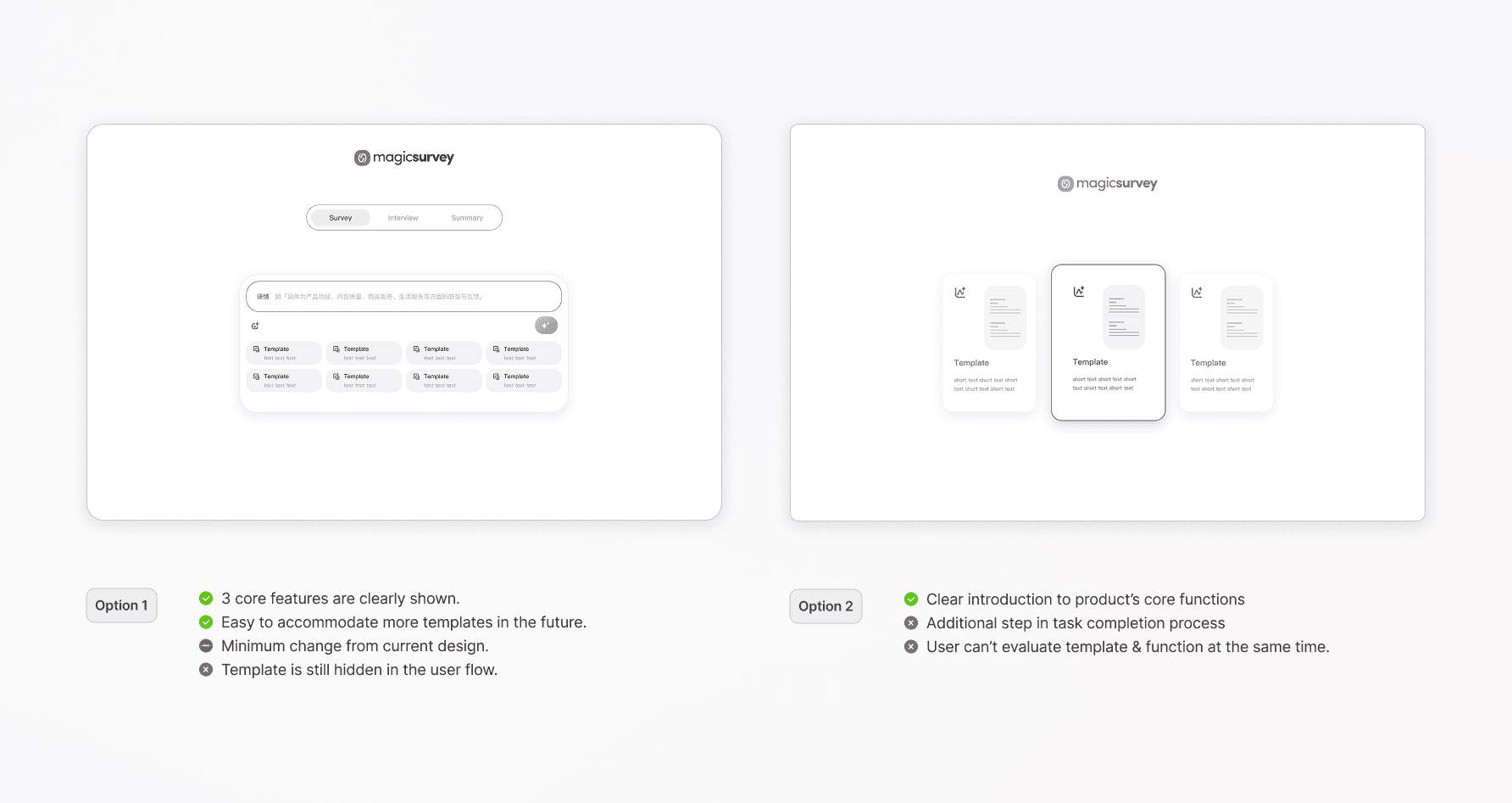
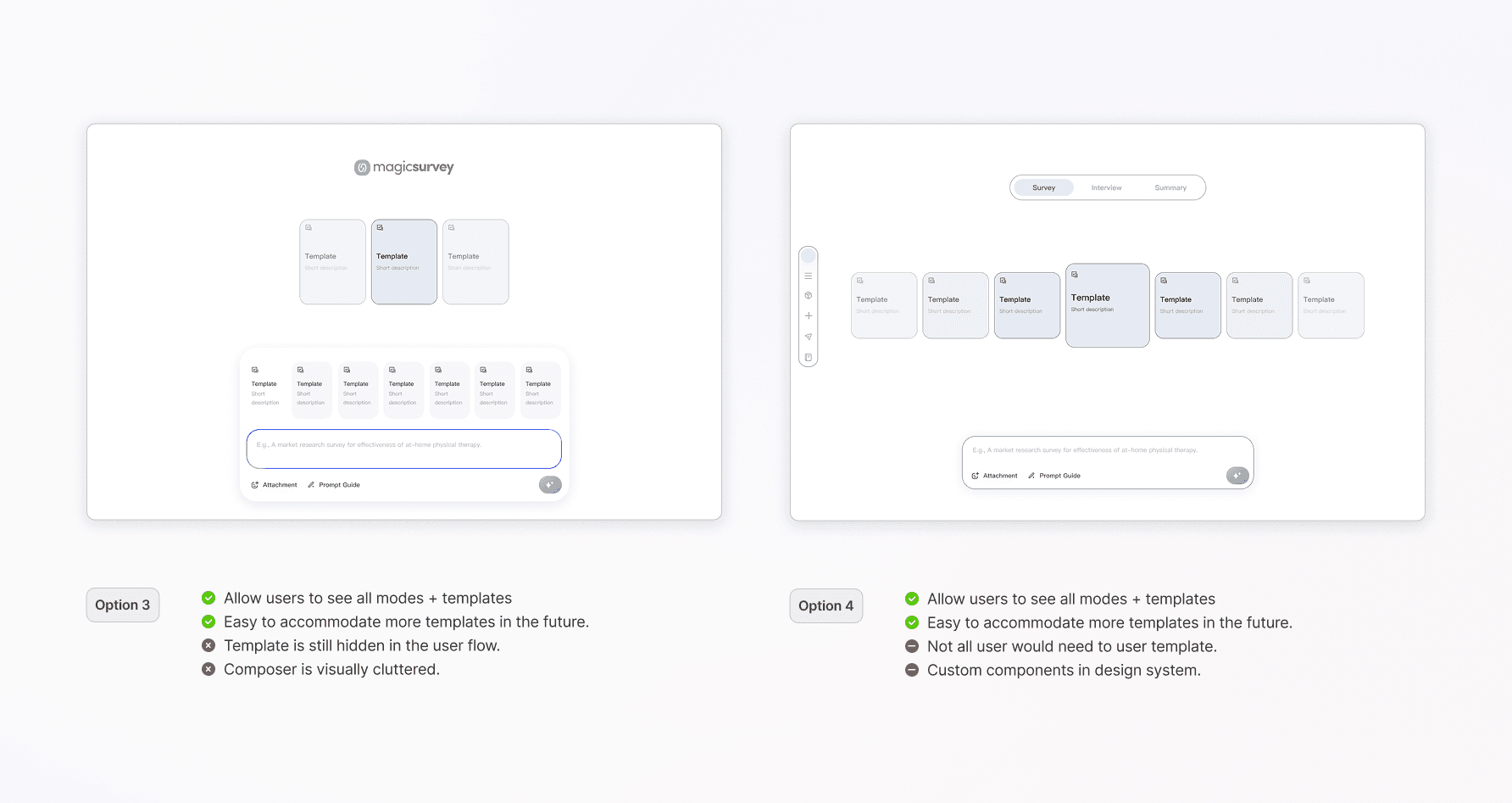
Iterate and visualize new information architecture and user flow through design iteration.
Option 1
Option 2
Option 3
Option 4
Option 5
Option 6
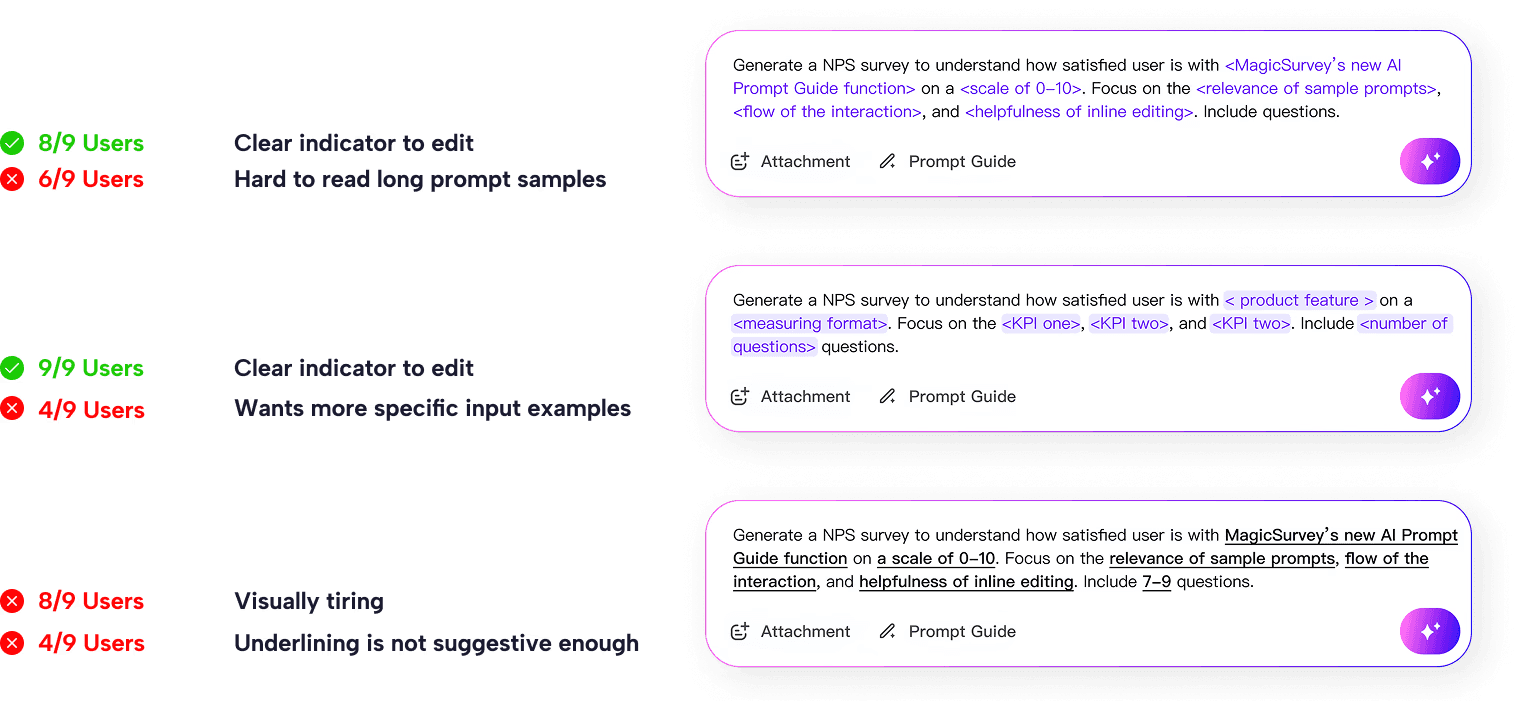
Create an AI prompt input library, providing users with prompt examples for each template type, vadliate design through testing.
Tailoring the AI prompt input library component to our researchers' need, validating design through testing.

default

activate prompt library
Through usability testing with 9 users, I evaluated the pros and cons of each option, fine tuning the interactions based on our users' feedback.
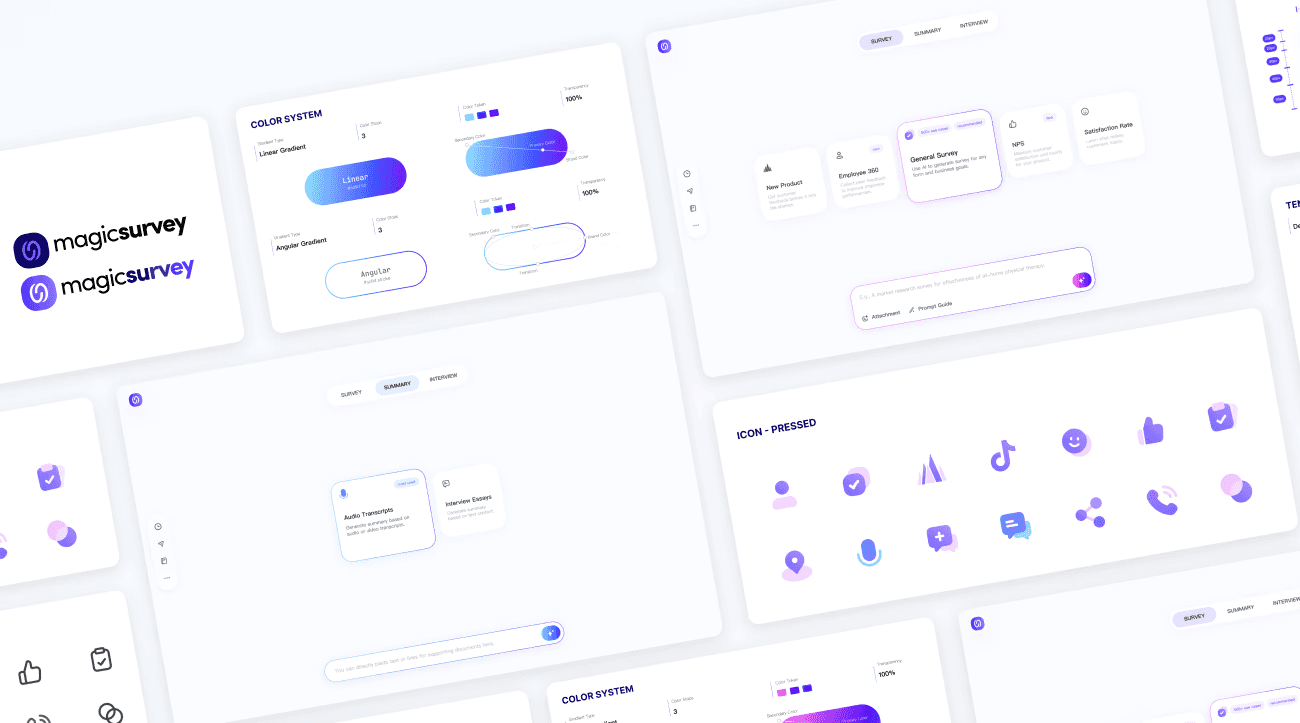
Creating consistent visual identity and interaction behaviors for the product's design system, to be used across 3+ product lines.
Establish visual hierarchy based on functions and different usage sceneriors.
Default state
With AI prompt library
Creating brand new color system and defining different usage sceneriors.
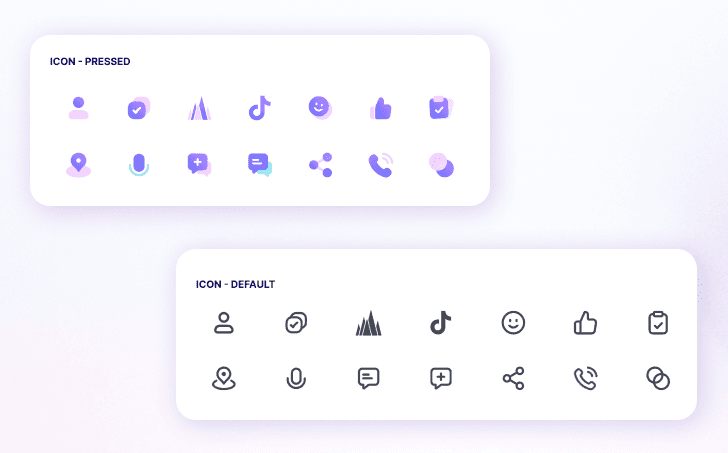
Establishing reusable components for the product design system, including template card, prompt input bar and 10+ new UI icons.
Proactiveness lead to opportunities.
This project did not start with a Product Requirement Document (PRD), instead it was initiated by me after researching the product's H1 2024 report and user feedback pool. I approached the insight and the solution of a homepage redesign to the product team, therefore, the initial phase of this project was largely driven by my proactiveness: pitching to the product manager, learning more about the machine learning engineers, consulting other ux designers, looking across the competitive landscape etc.
Approach design with a system mindset.
Designing with a system mindset is crucial for the product growth. By defining a consistent product design system with components and patterns not only provide a user-centered approach, but also saves time in the long-term product growth. It lets me focus on solving new challenges instead of reinventing the wheel, helping me iterate faster and deliver a smoother user experience
Critical feedback is a gift.
I’ve found that critical feedback is one of the most valuable tools for improvement. It helps me uncover blind spots, challenge assumptions, and see things from perspectives I might have missed. Instead of taking it personally, I try to view feedback as a chance to refine my work and create a better experience for users. Every suggestion, even the tough ones, gives me an opportunity to iterate, grow, and ultimately design something more impactful.